
Why Choosing the Right Remote Work Laptop Matters
Remote work has changed what people need from a laptop. A general-purpose machine may be enough for casual browsing, but daily remote work demands more. Your laptop is now your office, meeting room, communication hub, and productivity center. That means the right choice can improve comfort, efficiency, and reliability, while the wrong one can lead to slow performance, dropped video calls, short battery life, and frustration throughout the workday.
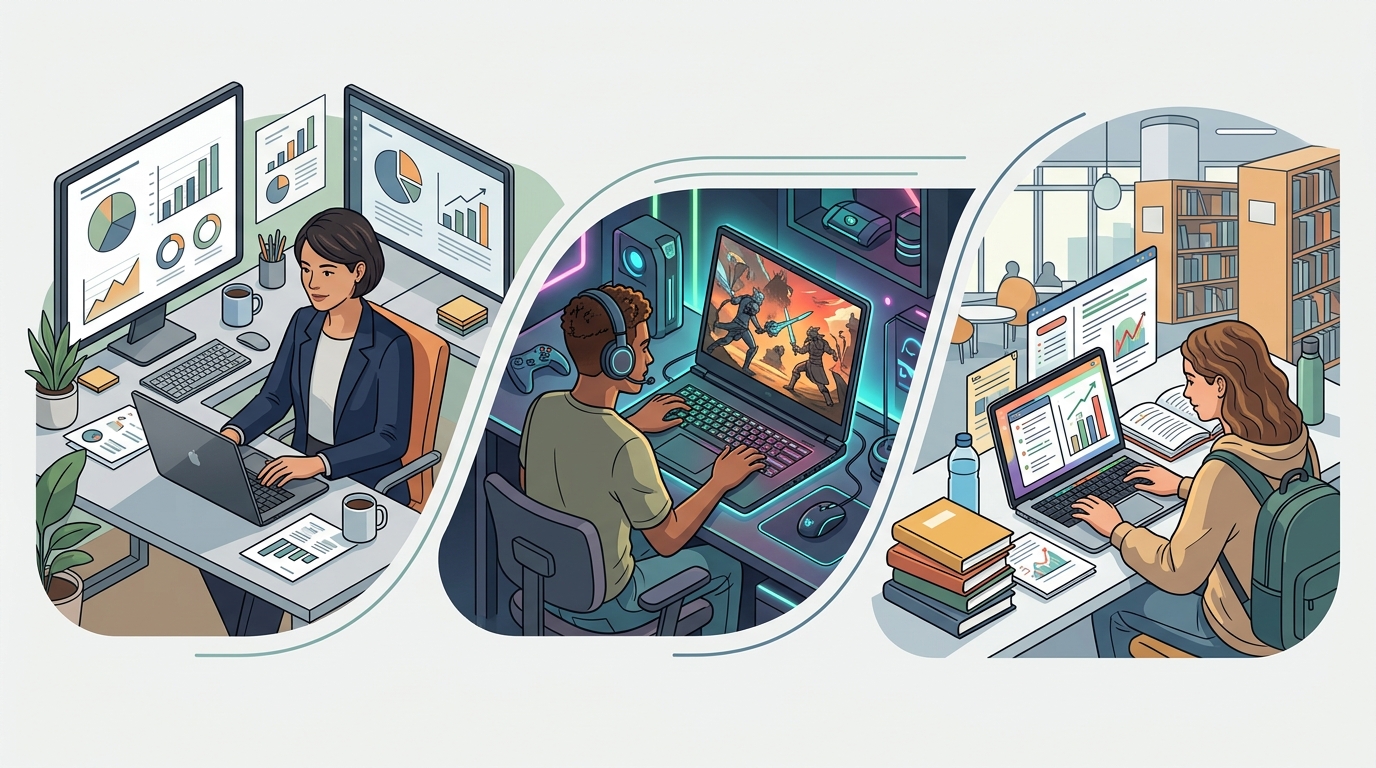
Choosing the best laptop for remote work is not just about buying the most expensive model. It is about matching the device to your job, your workflow, your environment, and your budget. A freelance writer may prioritize battery life and a comfortable keyboard, while a designer may need a high-resolution color-accurate display and more graphics power. A project manager may care most about webcam quality, fast multitasking, and portability between home, coworking spaces, and travel.
This guide explains the most important features to evaluate before buying a remote work laptop so you can make a smart and practical decision.
Start by Defining Your Remote Work Needs
Before comparing brands and specs, think about how you actually work. The best laptop for remote work depends heavily on your daily tasks. Ask yourself what software you use, how many browser tabs you keep open, whether you join frequent video calls, and whether you travel often. Your answers will help narrow your options quickly.
If your work mostly involves email, spreadsheets, web apps, and video conferencing, you likely do not need a high-end workstation. A solid mid-range laptop with a modern processor and enough memory should perform well. If you edit videos, run data analysis tools, design in Adobe Creative Cloud, code large projects, or use virtual machines, you will need a more powerful system.
You should also consider where you work. If you often move around the house, work from cafes, or travel regularly, weight and battery life become major priorities. If you work from a dedicated desk with external monitors and peripherals, ports and docking compatibility may matter more than ultra-light portability.
Choose the Right Operating System
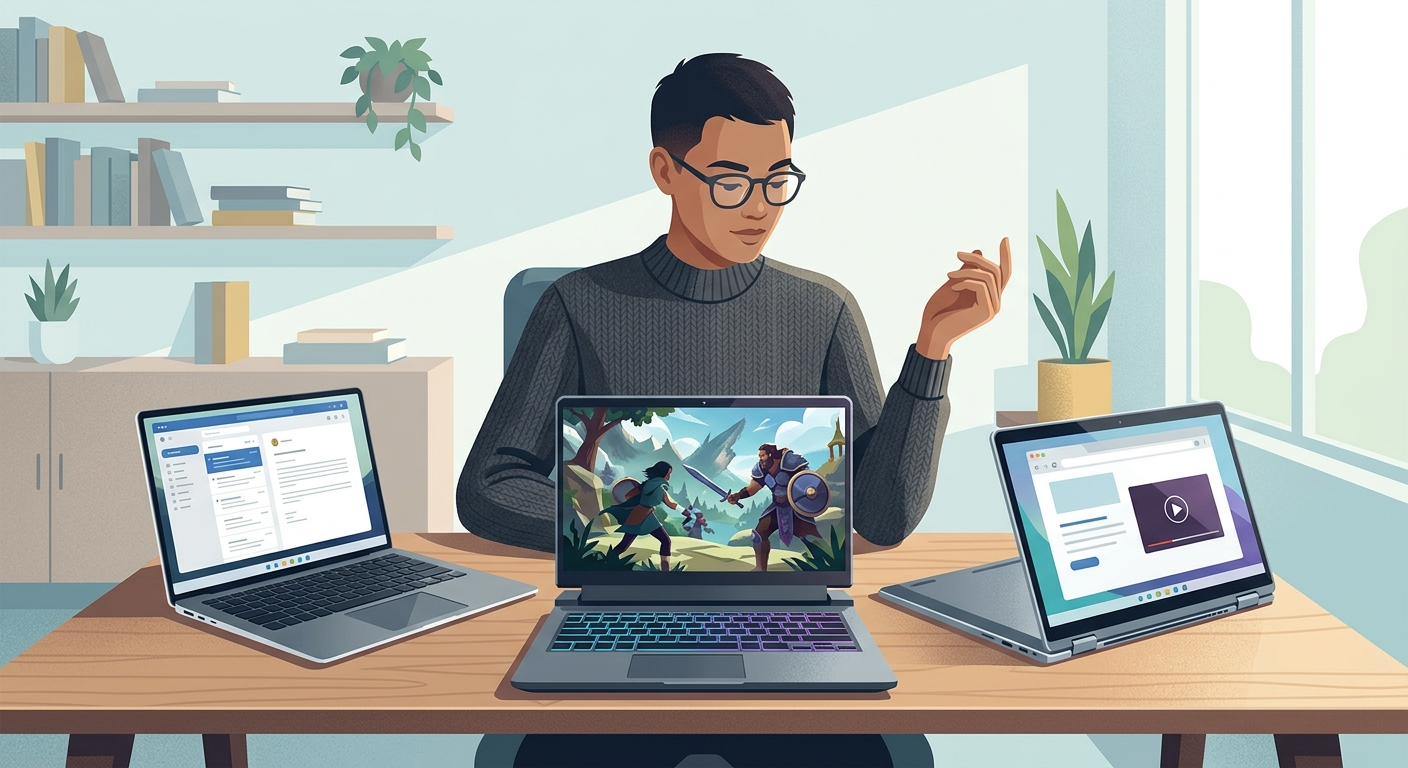
Your operating system affects software compatibility, ease of use, and the overall experience. The three main options are Windows, macOS, and ChromeOS. The best choice depends on your job and preferences.
Windows laptops offer the widest range of hardware options and prices. They are a flexible choice for most professionals, especially those who use Microsoft 365, business applications, engineering tools, or specialized software. Windows machines come in many form factors, from budget notebooks to premium ultrabooks and powerful mobile workstations.
macOS is a popular choice among creative professionals, business users, and anyone who values a polished ecosystem. Apple laptops are known for strong battery life, solid build quality, excellent trackpads, and smooth performance. They can be especially appealing if you already use an iPhone or other Apple devices.
ChromeOS works well for users whose tasks are mostly browser-based. If your remote work happens in Google Workspace, cloud apps, and video conferencing tools, a Chromebook can be affordable and efficient. However, it may be limiting for advanced software needs.
Pick a Processor That Matches Your Workload
The processor, or CPU, is one of the most important parts of any laptop. It affects speed, responsiveness, and multitasking performance. For remote work, you generally want a recent-generation processor from Intel, AMD, or Apple.
For basic productivity, a mid-range processor is usually enough. Examples include Intel Core i5, AMD Ryzen 5, or Apple M1/M2-class chips. These can handle email, web browsing, office software, Slack, Zoom, and light multitasking without trouble.
For heavier workloads, consider Intel Core i7, AMD Ryzen 7, or newer Apple silicon with more performance cores. These are better for demanding multitasking, creative apps, coding, and large spreadsheets. High-end users such as video editors, 3D designers, and engineers may benefit from Core i9, Ryzen 9, or Apple Pro and Max chip variants.
Do not focus only on chip names. Newer generations often deliver better efficiency and battery life than older premium chips. Reading performance comparisons can help, but for most remote workers, buying a current mid-range processor is the sweet spot.
How Much RAM Do You Need?
RAM is critical for smooth multitasking. If you often have many browser tabs, chat apps, documents, and video calls open at once, low memory will slow your system down. For modern remote work, 8GB of RAM is the practical minimum, but it may feel tight for heavier users.
For most professionals, 16GB is the best balance of performance and value. It provides enough headroom for multitasking, conferencing, cloud apps, and common business software. If you work with large media files, complex design programs, development environments, or virtual machines, 32GB or more may be worth the investment.
If possible, avoid buying a laptop with too little memory just to save money, especially if it cannot be upgraded later. RAM has a big impact on how long a laptop feels fast and useful.
Storage: SSD Is Essential
When choosing storage, the most important rule is simple: get a laptop with a solid-state drive, or SSD. SSDs are much faster than old mechanical hard drives, which means quicker startup times, faster file access, and a more responsive experience overall.
For many remote workers, 256GB of SSD storage is the minimum acceptable capacity. It can work if most files are stored in the cloud. However, 512GB is a more comfortable target because it gives you room for applications, local files, downloads, and backups. If you work with large media assets or need to store a lot offline, consider 1TB or more.
Cloud storage has reduced the need for huge local drives, but you should still leave enough space for updates, cached files, and daily use. Running out of storage can hurt both convenience and performance.
Prioritize Battery Life for Flexibility
Battery life is one of the defining features of a good remote work laptop. Even if you usually work at home, long battery life gives you freedom to move between rooms, attend meetings away from your desk, and work during travel or power interruptions.
Manufacturers often advertise ideal battery figures that are higher than real-world results. For remote work, aim for a laptop that can realistically provide at least 8 to 10 hours of mixed use. If you spend a lot of time in video meetings, note that conferencing drains batteries faster than basic office tasks.
Fast charging can also be valuable. A laptop that regains several hours of battery life during a short break can make a big difference in day-to-day convenience.
Do Not Overlook Display Quality
You will spend hours looking at your screen, so display quality matters more than many buyers realize. For remote work, a Full HD display is the minimum you should consider. It delivers a clear image for documents, spreadsheets, and video calls. If your work involves design, photography, or detailed multitasking, a higher-resolution display may be worth it.
Screen size also affects comfort and portability. A 13-inch or 14-inch laptop is easier to carry and works well for mobile professionals. A 15-inch screen provides more workspace and can be easier on the eyes, though it adds weight. Some users prefer a 16-inch display for maximum productivity when working without an external monitor.
Brightness and panel quality are important too. An IPS or similarly high-quality panel with good brightness and color reproduction will be more pleasant to use than a dim, washed-out screen. Matte finishes can help reduce glare if you work near windows or in bright environments.
Keyboard, Trackpad, and Webcam Quality Matter Every Day
Remote workers rely heavily on the keyboard, trackpad, microphone, and webcam. These are daily-use features, not extras. A comfortable keyboard with good key travel and spacing can reduce fatigue during long writing or administrative sessions. A precise trackpad is useful when you are working away from a mouse.
Webcam quality became much more important with the rise of virtual meetings. A 1080p webcam is preferable if you spend a lot of time on Zoom, Microsoft Teams, or Google Meet. Good microphones and noise reduction features also improve communication and help you sound more professional.
If a laptop excels in core performance but has a poor webcam, you may need an external camera. That is fine for a desk setup, but less convenient for people who work on the go.
Check Ports and Connectivity
Many remote workers use external monitors, keyboards, headsets, webcams, storage drives, and chargers. That makes ports more important than they first appear. Before buying, check whether the laptop includes the connections you need, such as USB-C, USB-A, HDMI, a headphone jack, or an SD card slot.
Wi-Fi performance is equally important. Reliable Wi-Fi 6 or newer wireless standards can improve connection stability and speed, especially in busy home environments with many connected devices. Bluetooth support also matters for wireless headphones, keyboards, and mice.
If you prefer a clean desk setup, look for laptops that work well with docking stations. A single cable connection for charging, displays, and accessories can make remote work much easier.
Security Features Are Worth Paying For
Remote work often involves sensitive accounts, company data, and frequent sign-ins. Security should be part of your buying decision. Useful laptop security features include a fingerprint reader, facial recognition, a webcam privacy shutter, and a secure chip for encryption and authentication.
If you work for a company with IT policies, check whether the laptop supports required security tools and device management systems. Business-class laptops often include stronger security and durability features than consumer models.
Set a Realistic Budget and Focus on Value
The best laptop for remote work is not always the most expensive one. In many cases, the best value comes from a mid-range model with a modern processor, 16GB of RAM, a 512GB SSD, a good display, and solid battery life. That combination is enough for a large percentage of remote workers.
Budget laptops can work for light tasks, but they often cut corners on build quality, screens, webcams, and battery life. Premium laptops usually offer better materials, lower weight, brighter displays, and improved performance efficiency. Think about how many hours a day you will use the laptop and how long you want it to last. Spending more on the right features can save money over time.
Final Tips Before You Buy
Before making a final decision, read recent reviews from trusted sources, especially those that test real-world battery life, keyboard quality, heat, fan noise, and webcam performance. Compare warranty options and customer support reputation as well. If possible, try the laptop in person to see how the keyboard, screen, and build feel.
A good remote work laptop should be dependable, comfortable, and matched to your actual workflow. For most people, the ideal choice includes a current mid-range or better processor, 16GB of RAM, SSD storage, long battery life, a quality display, and strong video conferencing features. Once you focus on the features that matter most, choosing the right laptop becomes much easier.
With the right balance of performance, portability, battery life, and usability, you can invest in a laptop that supports productive remote work for years to come.